

App dashboard
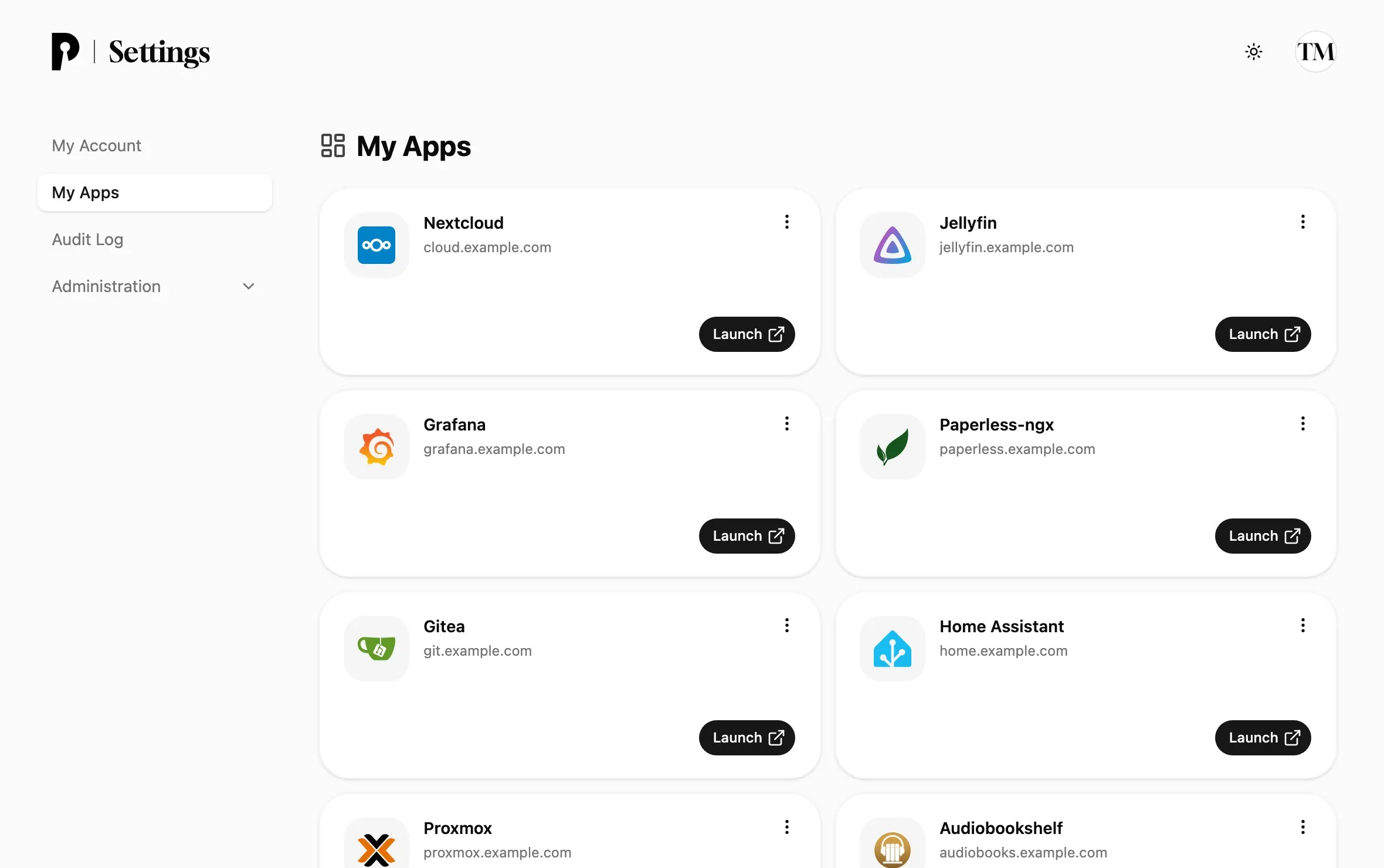
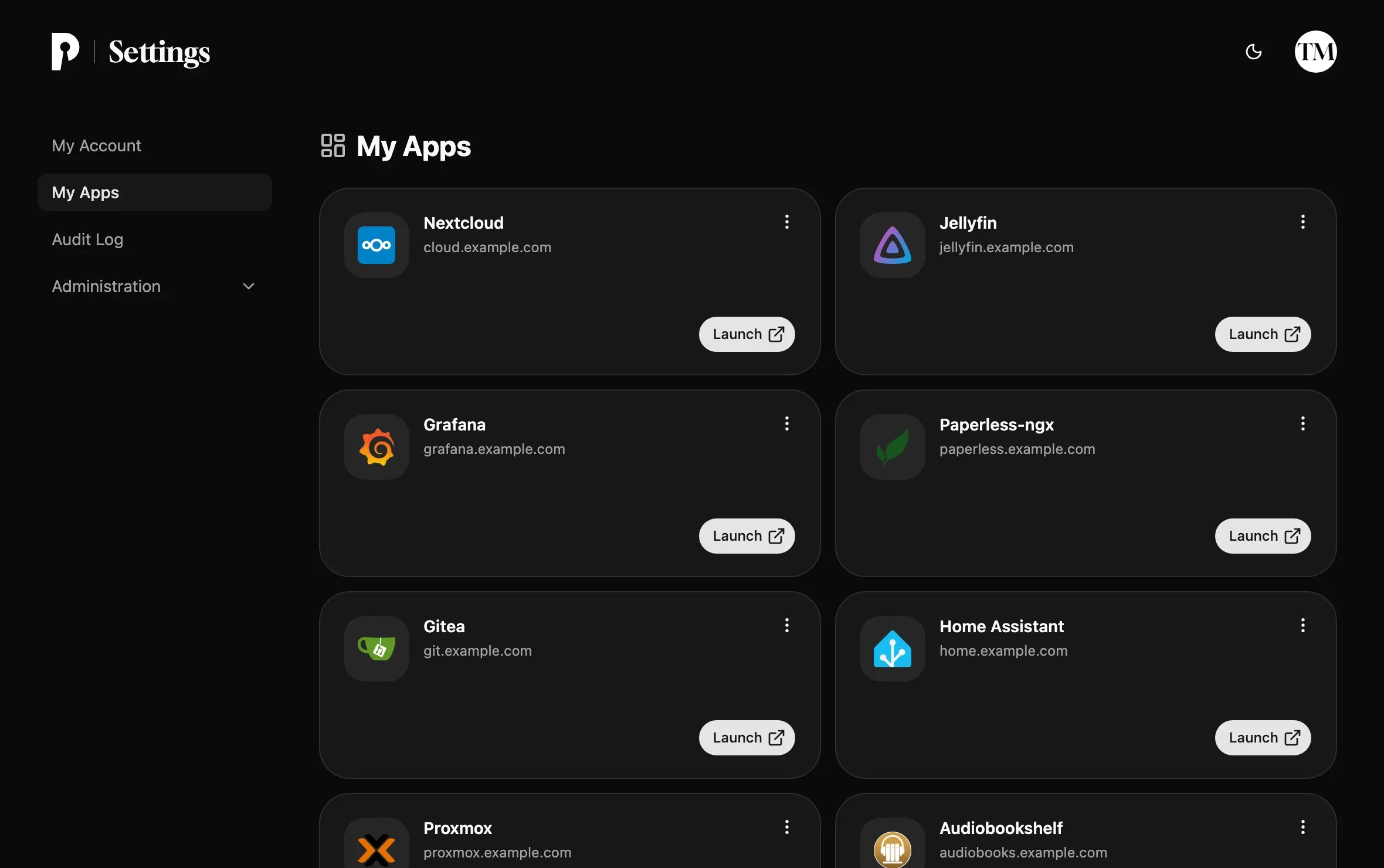
The My Apps page lists the apps a user can sign in to, with a link to launch each one and a way to revoke their access.
My Apps lists the OIDC clients a user may sign in to, so it doubles as a start page for everything behind Pocket ID. Users open it from the sidebar after signing in to Pocket ID.
Add an app to the dashboard
Section titled “Add an app to the dashboard”A client appears on the dashboard once it has a Client Launch URL, which is the address Launch opens. Set it on the client’s General tab under Administration → OIDC Clients, together with a logo for the tile.
The dashboard only shows clients that the user’s groups allow. Show all apps also lists the clients without a launch URL that the user signed in to before.
Revoke access
Section titled “Revoke access”When a user signs in to a client for the first time, they agree to share their details with it. To take that back, they open the client’s ⋯ menu on the dashboard and choose Revoke Access, and Pocket ID asks again on their next sign-in.