


Passkeys instead of passwords
Pocket ID has no passwords. Users sign in with passkeys from their device, password manager or security key, and can add as many as they like.
Pocket ID is the most user-friendly OpenID Connect Certified™ and OAuth 2.0 provider that lets users sign in to your applications with passkeys.
 OpenID Connect Certified™
I have been using Pocket ID since 2025 and it has been an excellent experience. It was incredibly easy to set up uses very few resources, and does exactly what I need without any unnecessary complexity.
Amazing. Favorite self hosted service by far!
The only Auth application I could install and not even think about it later. You did an amazing job with this application.
Love PocketID, used for a while now, very nice design and stability, works so well with cloudflare tunnels.
I put Pocket ID on a VPS (it's so light) and I've never looked back. Thank you, it's amazing!
All praise for pocket ID is warranted. This is a freakin awesome project
It's so stinking simple to integrate and use and I can spend my time working on the subject matter pieces of my application.
Love pocket id, its so simple to setup and visually pleasing!
I've really appreciated how easy pocket-id has been to setup and administer in my homelab.
I just installed Pocket ID on Wednesday and was very impressed at how simple it was. Two hours from when I started it was running and all of my apps that support oidc were configured.
Pocket ID handles sign-in and leaves out what a self-hosted setup rarely needs, so it stays small and easy to maintain.
Pocket ID has no passwords. Users sign in with passkeys from their device, password manager or security key, and can add as many as they like.
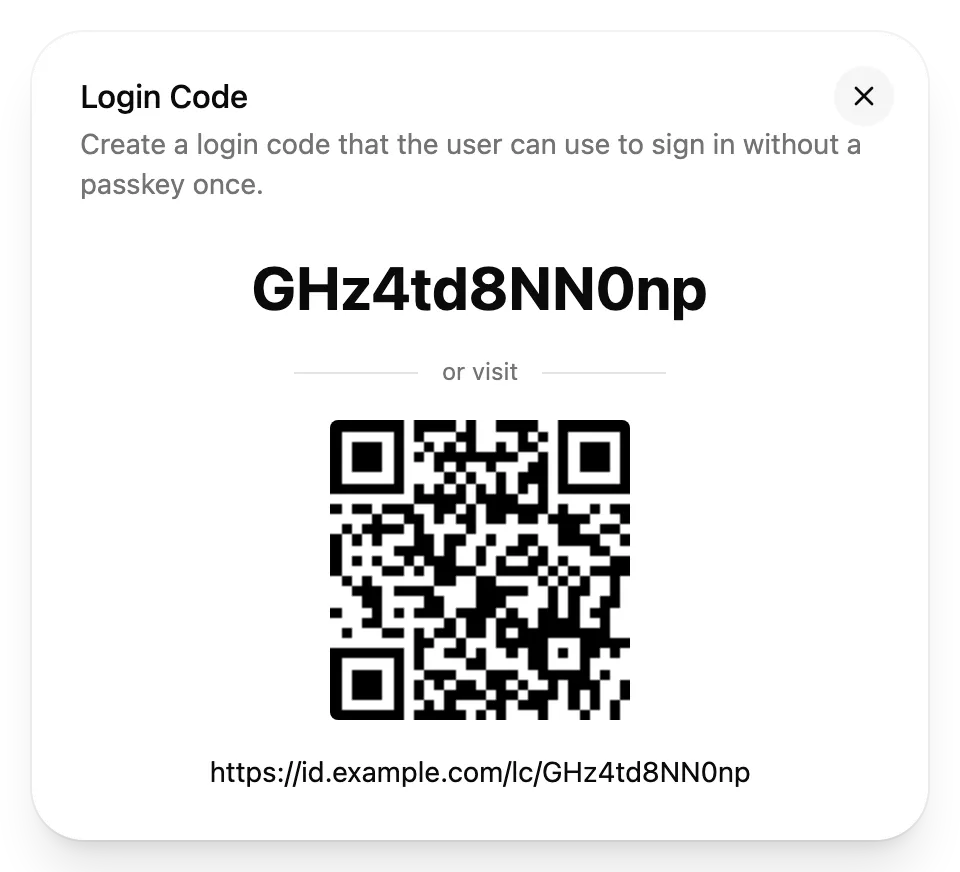
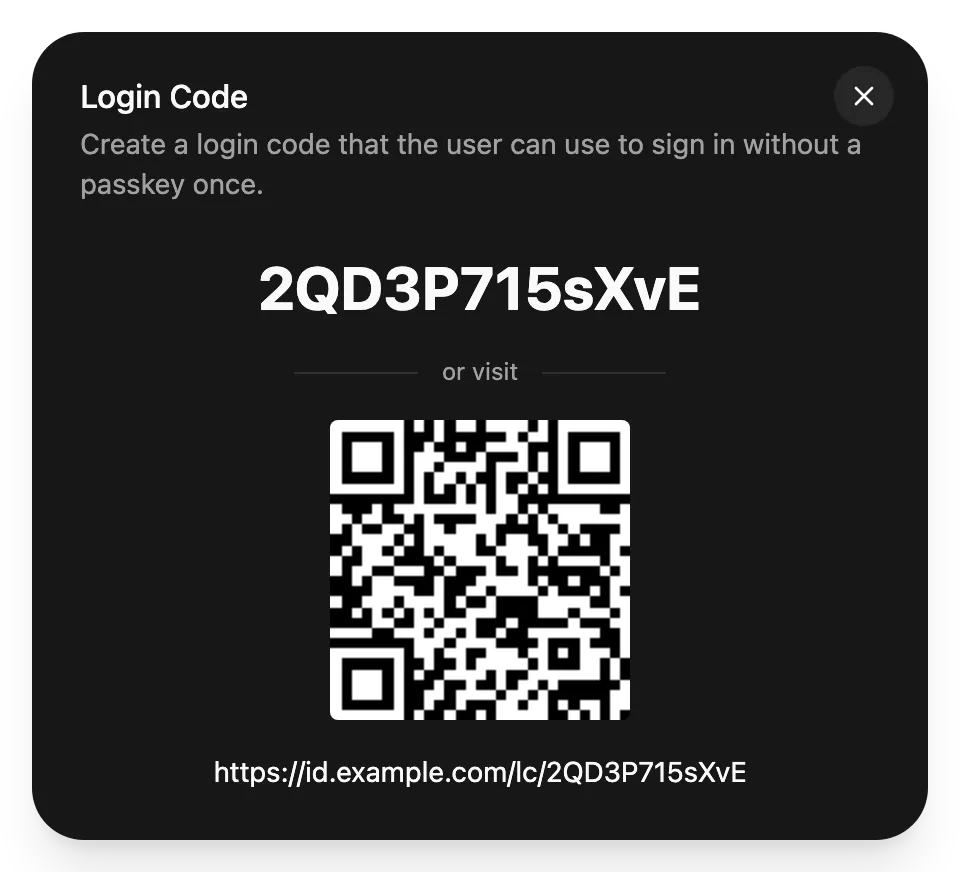
Send new users a one-time login code or link, so they can add their first passkey.
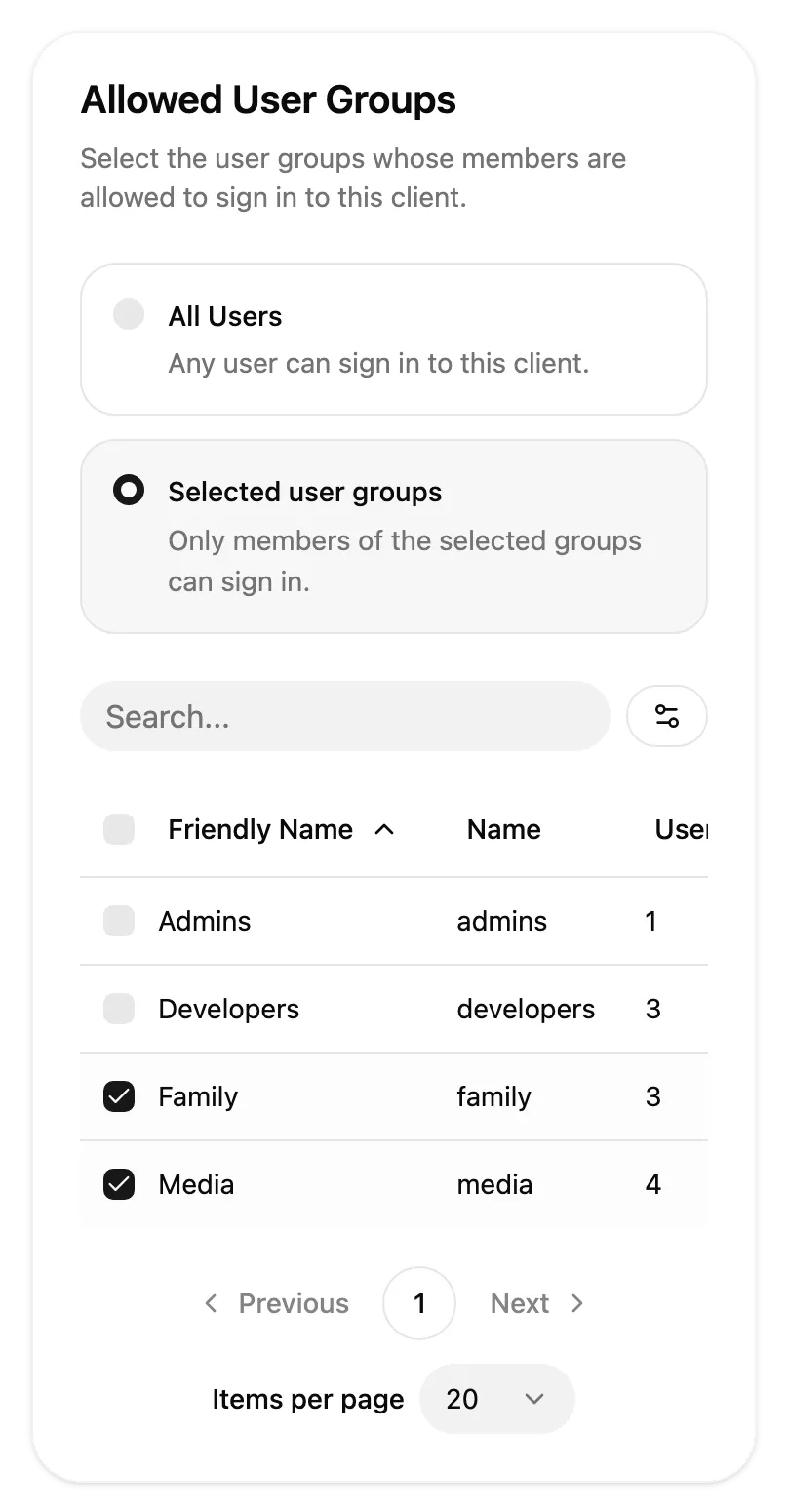
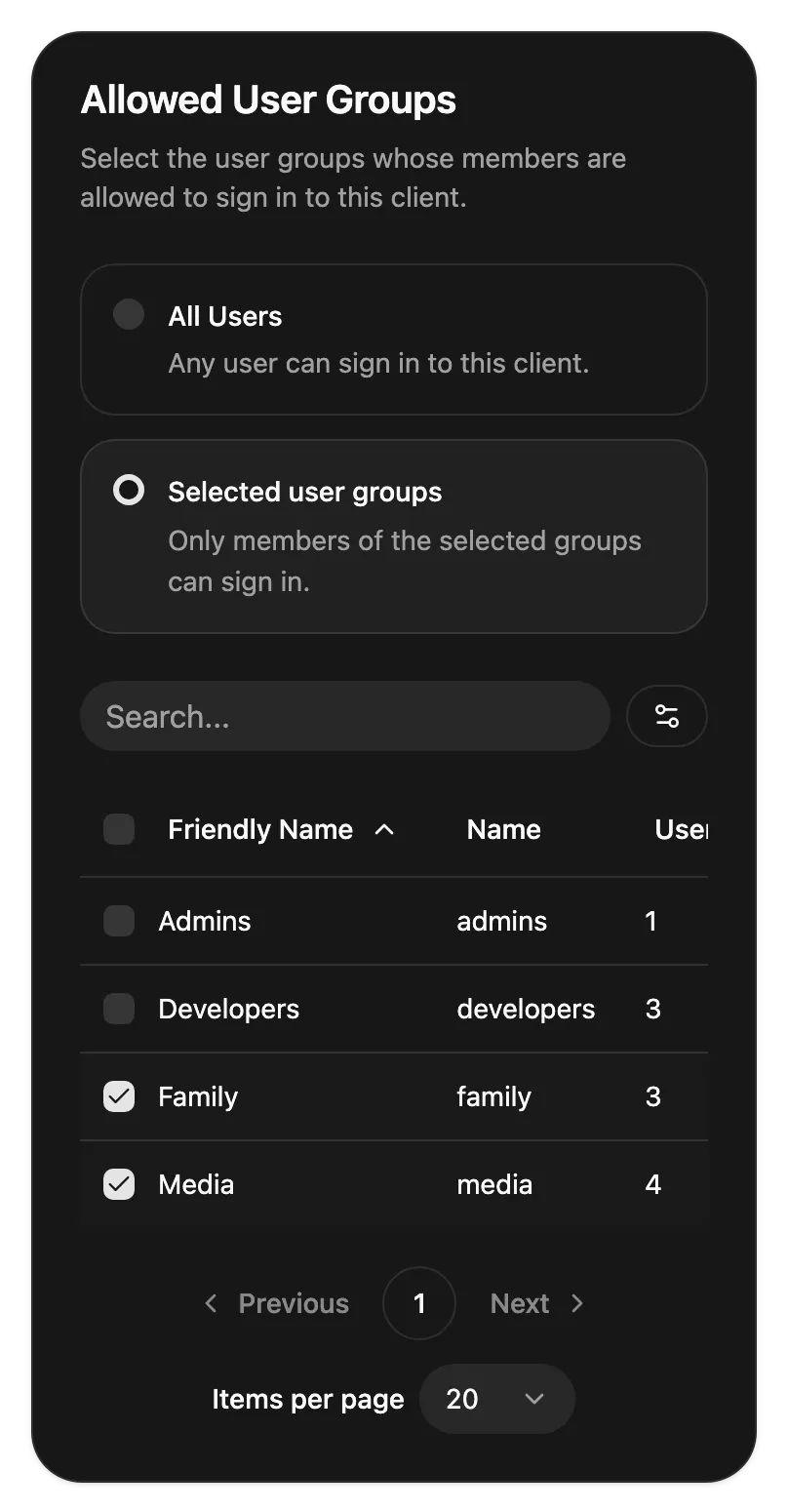
Limit a client to selected user groups, and users outside them can't sign in to it.
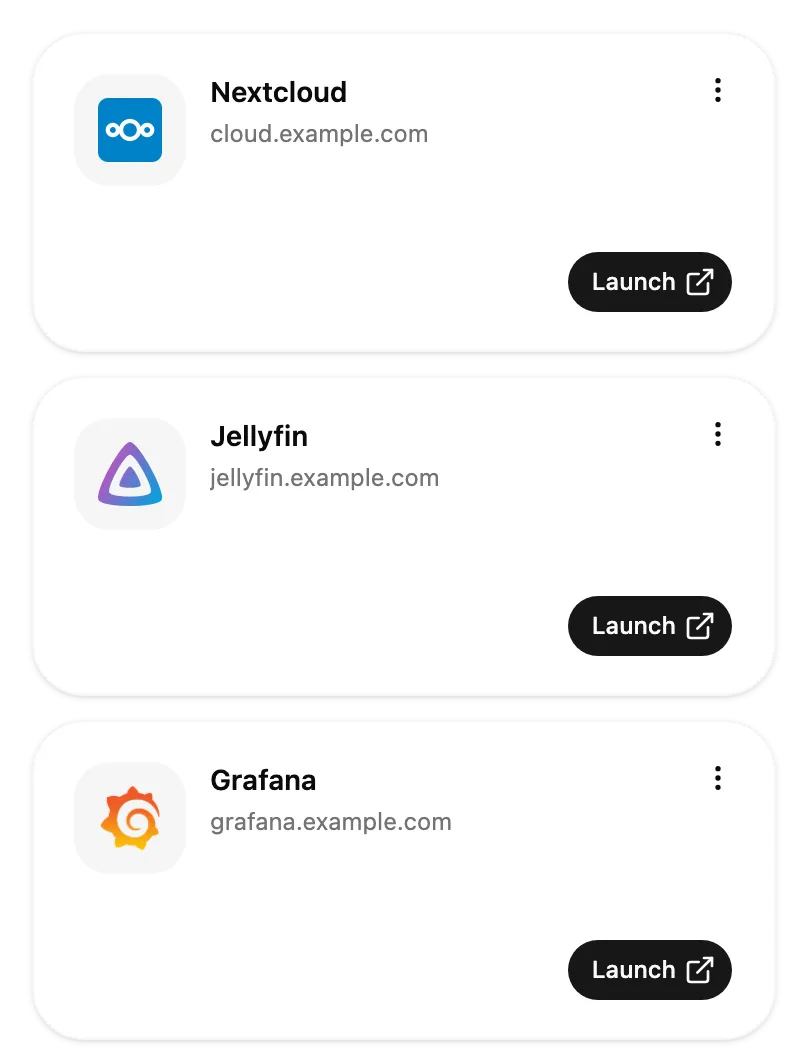
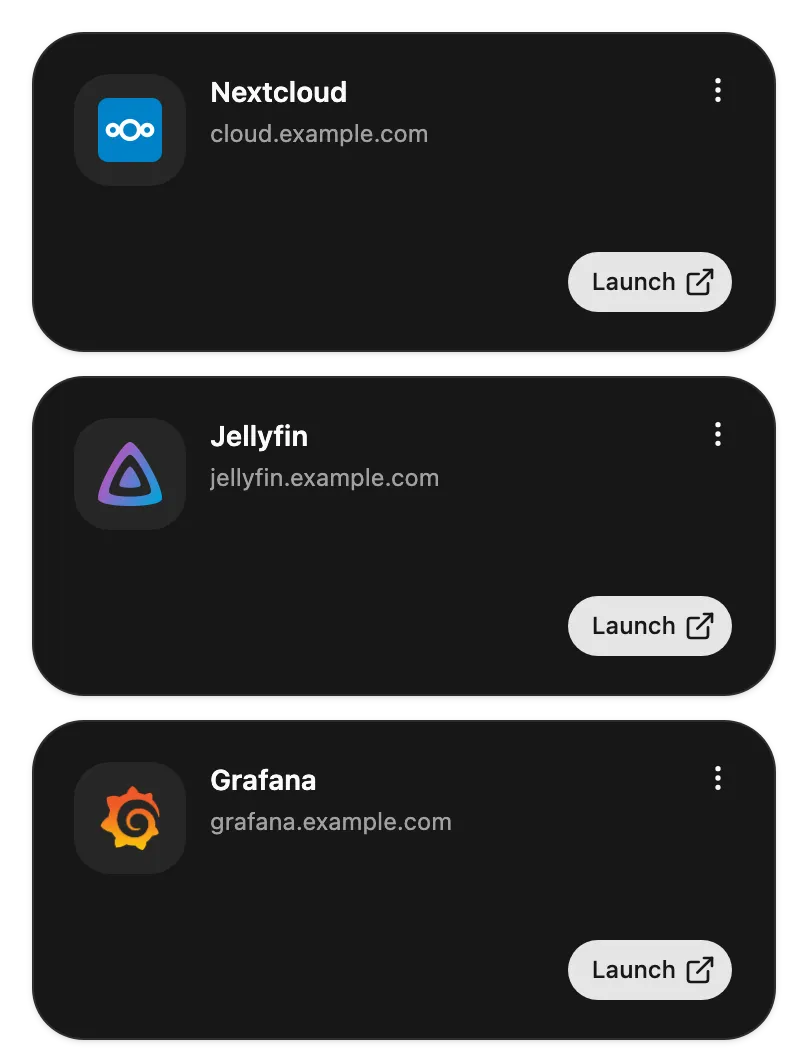
The My Apps page lists the apps that a user has access to.
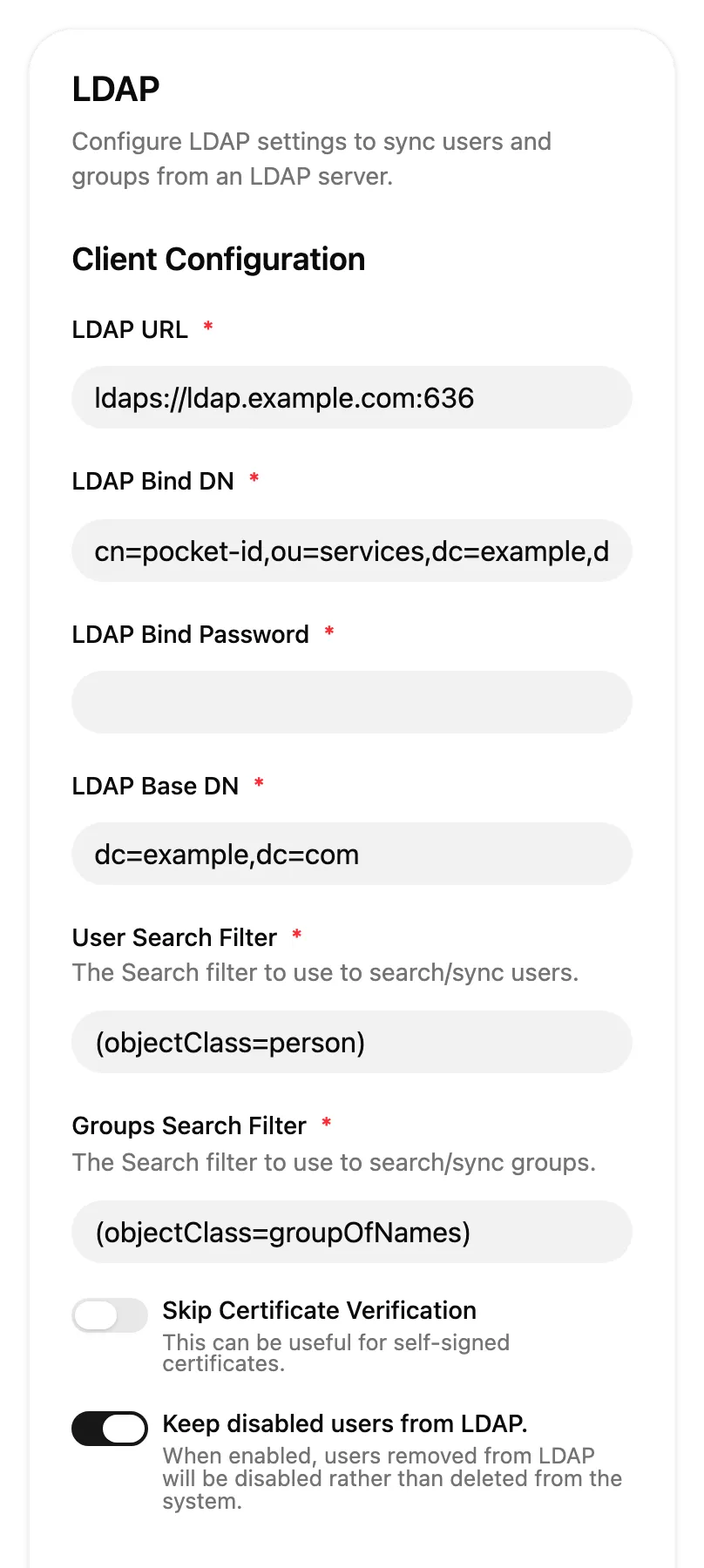
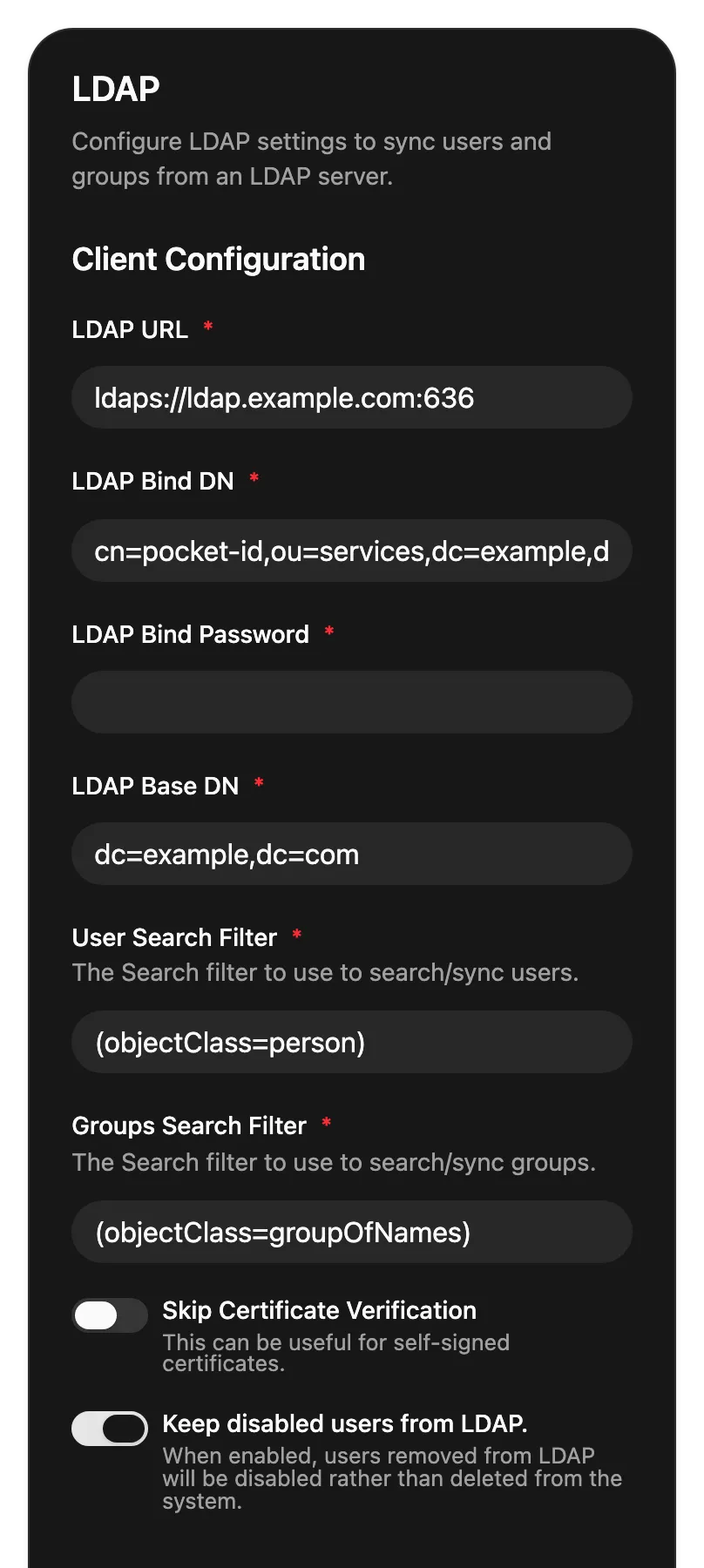
Import users and groups from LDAP or Active Directory and keep them in sync.
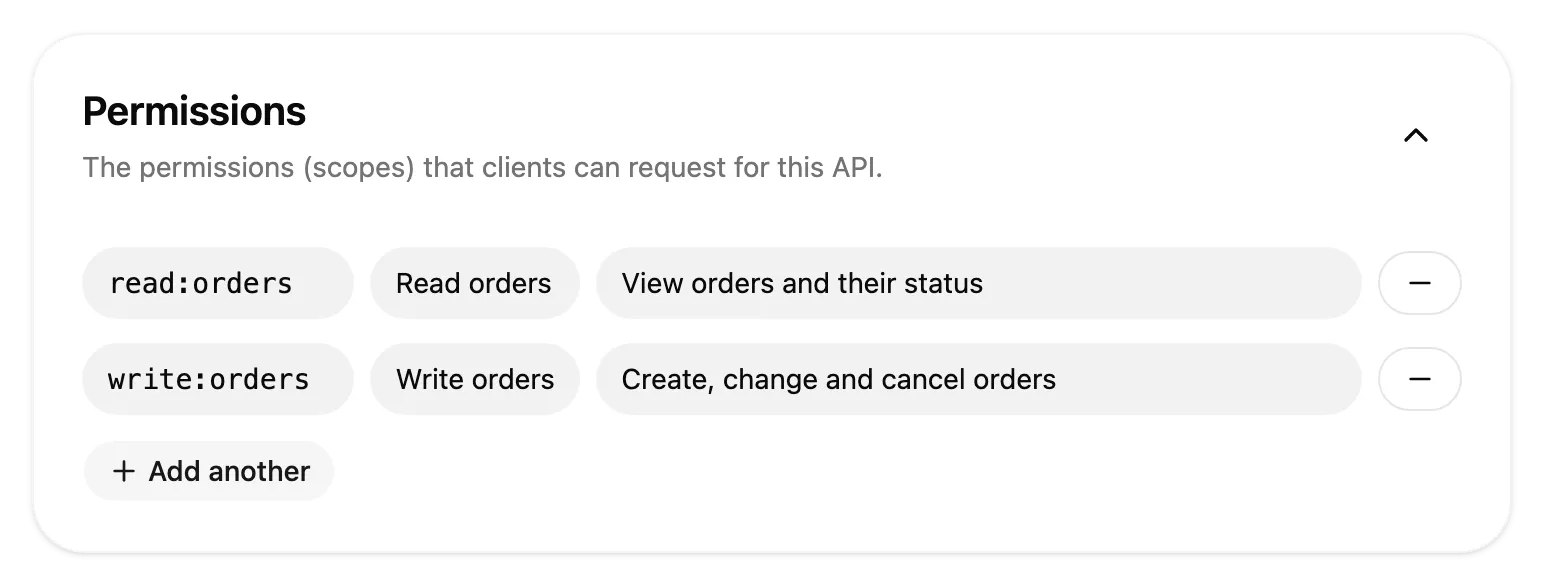
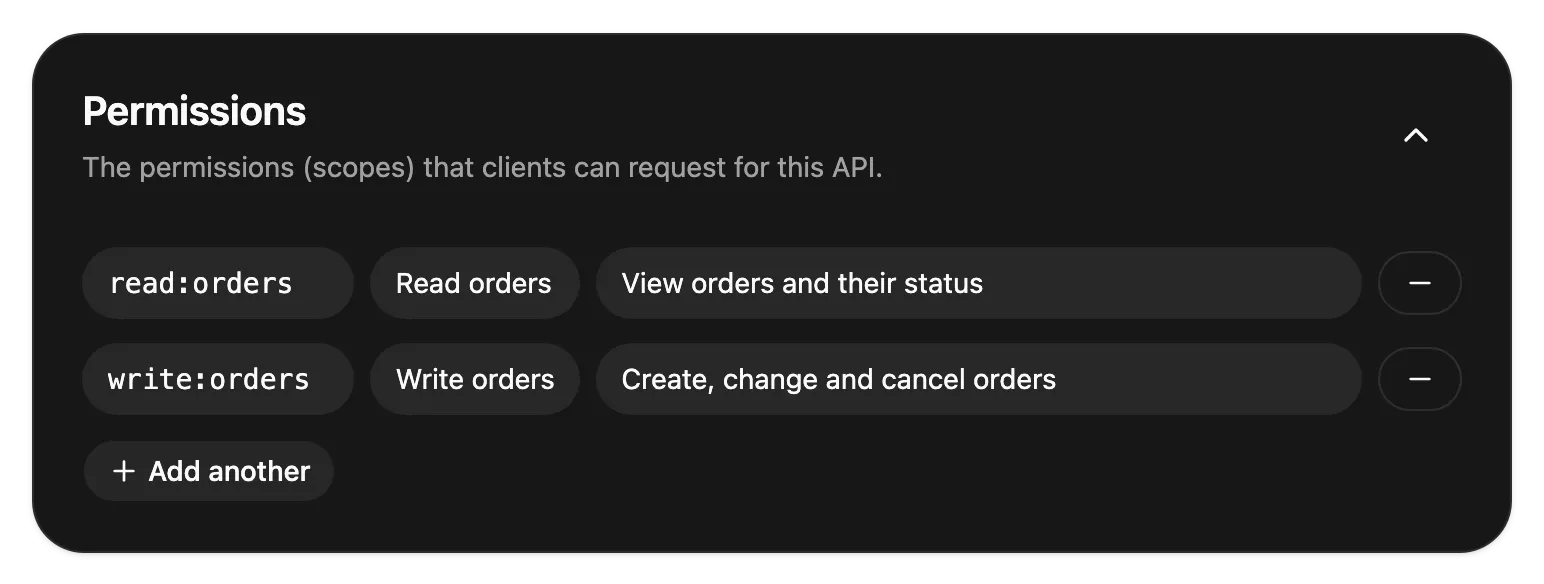
Define an API with its permissions, and clients get tokens limited to what they were granted.
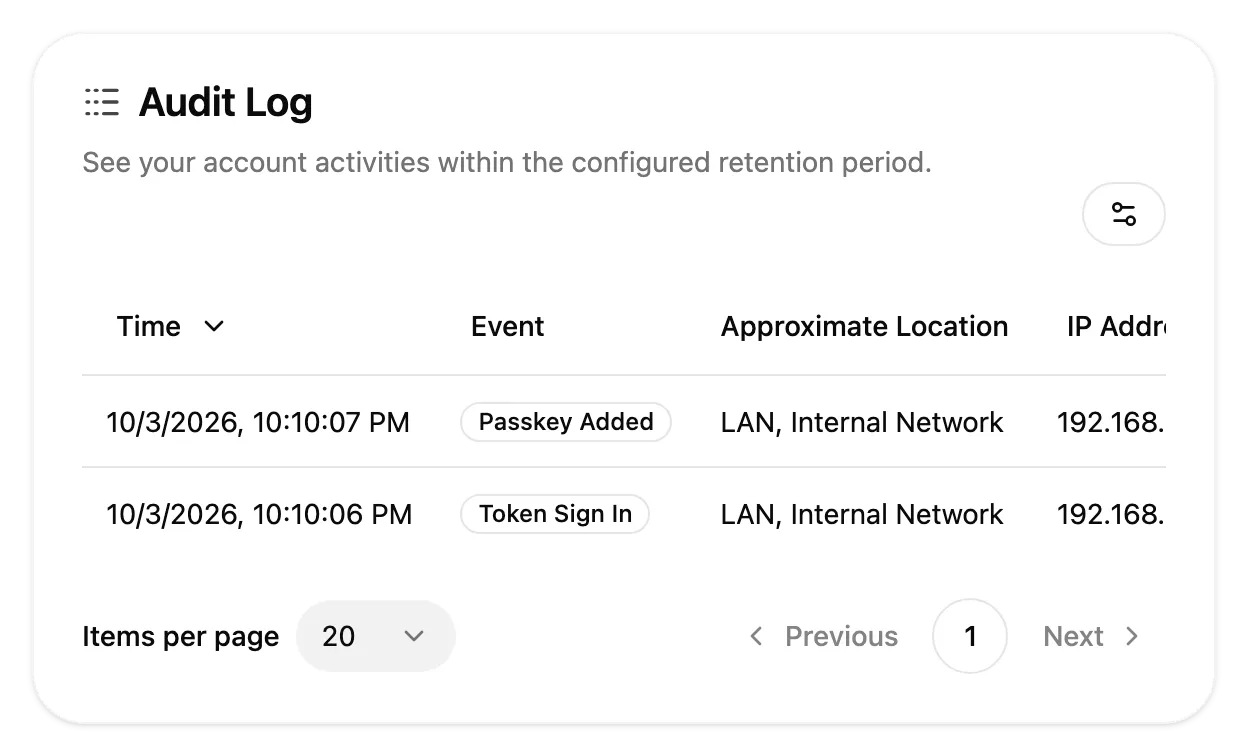
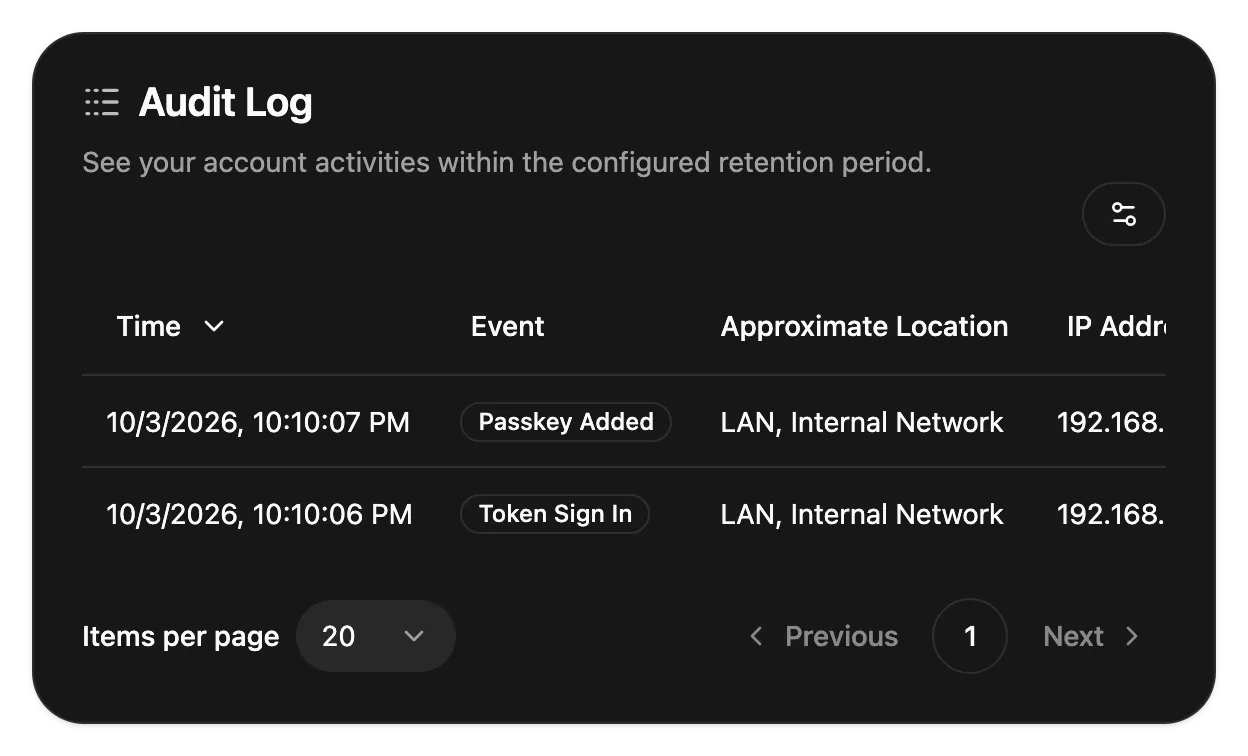
Every sign-in is logged with its device, IP address and approximate location, per user and for the whole instance.
Pocket ID can be the OAuth authorization server for remote MCP servers and other AI tools. Users approve access with their passkey, and each client gets a token limited to the scopes it was granted.
Pocket ID runs as a single Docker container or binary. The docs walk you through the installation and connecting your first app.